Rethinking Fujifilm Film Simulations
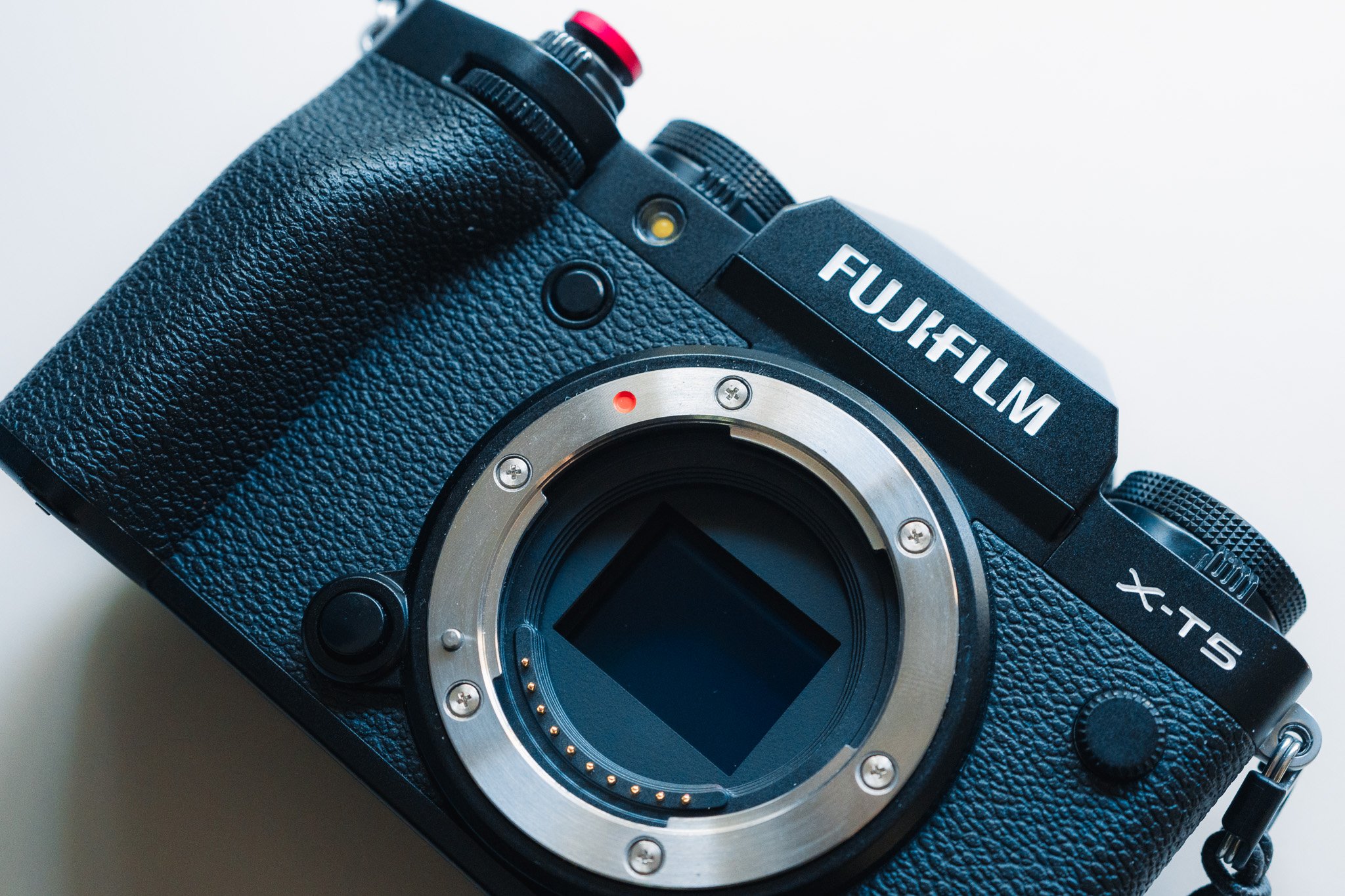
Fuji's having a moment and film simulations are why. People love that you can dial in a look, shoot JPEG, and skip editing completely. Bam, done, straight to the feed.
I get it. I shoot that way heaps. Camera on Classic Neg, no laptop, no fuss. Just vibes. I know there are many communities online trading different recipes for a wide range of looks. Im not trying to talk down on any of this.
Reframing Film Sims
Here's the reframe, and it's the whole reason I'm writing this.
A film sim is the best teaching tool Fuji ever made, and I don't think they even meant it that way.
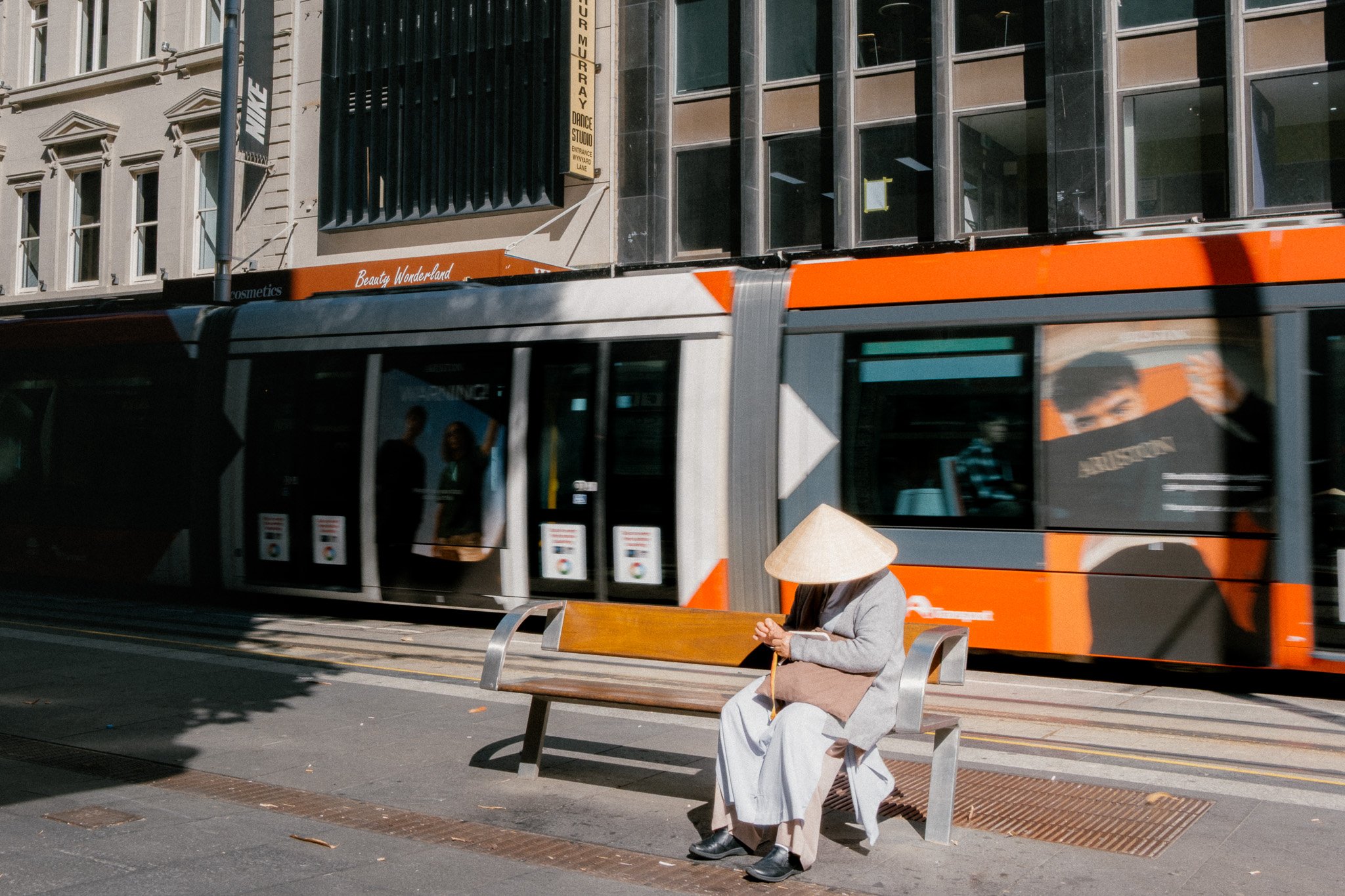
Flick from Provia to Classic Chrome to Acros. You're not just swapping a filter. You're watching what happens when someone makes a creative decision. The colour pulls back. The contrast bites harder. The whole feel of the shot moves with it.
That's editing. You're just doing it with a dial instead of a slider.
Most people stop right there. They find a sim they like and never ask why they like it. But ask the why, and you've started down the road every photographer eventually walks. The one where you stop taking the look the camera hands you and start deciding it yourself.
Start Here
Right. Here's the actual unlock, the thing I wish someone had shown me years earlier.
Shoot RAW. Not JPEG. RAW. Then open it in Lightroom.
Find the Profile dropdown. It's sitting right at the top of the Basic panel and it's dead easy to scroll past. Open it and there they all are. Classic Chrome. Acros. Velvia. The whole family, living inside your RAW file as camera profiles. These are the ones on top of the standard ones that ship with Adobe colour profiles. Straight out of the Fuji camera film sims. Like pre-packaged presets.
Click through them. Watch the photo change in real time. Same as flicking sims in the camera, except now the RAW is underneath, so nothing's baked in and nothing's thrown away. All the data's still there.
And this is the part that gets people. Once you land on a profile you like, every slider under it still works. Take Classic Chrome and warm it a touch. Lift the shadows. Blown out highlights, no worries, RAW has all the data, recover them. Congratulations, you're editing. You didn't have to learn editing first. The sim handed you a starting point you already trusted, and you just nudged it.
That's the softest landing into editing there is. I've sat next to people who swore they'd never open Lightroom and had them editing happily in ten minutes. Because they weren't starting from a flat RAW file. They were starting from their fav Film sim.
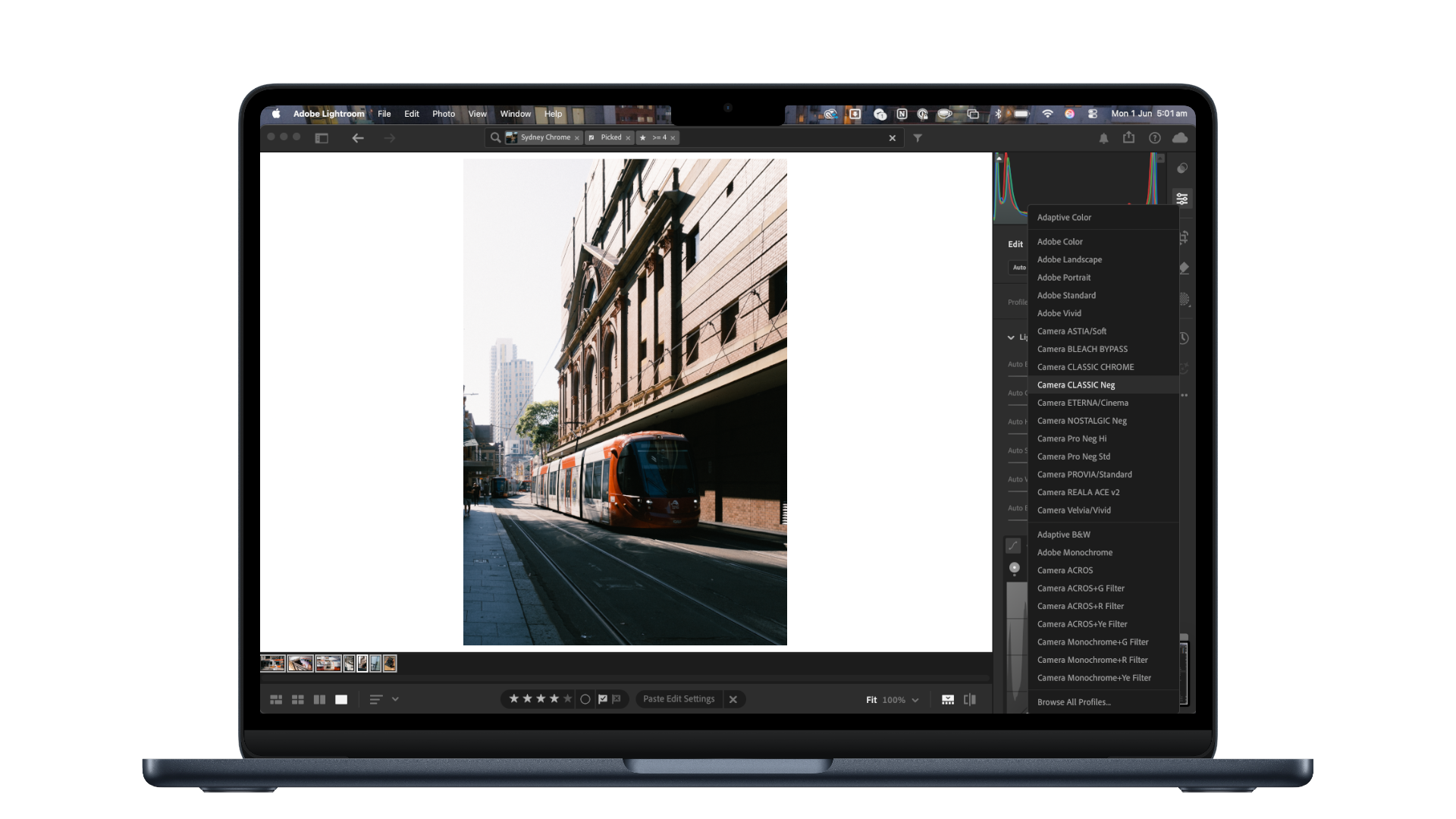
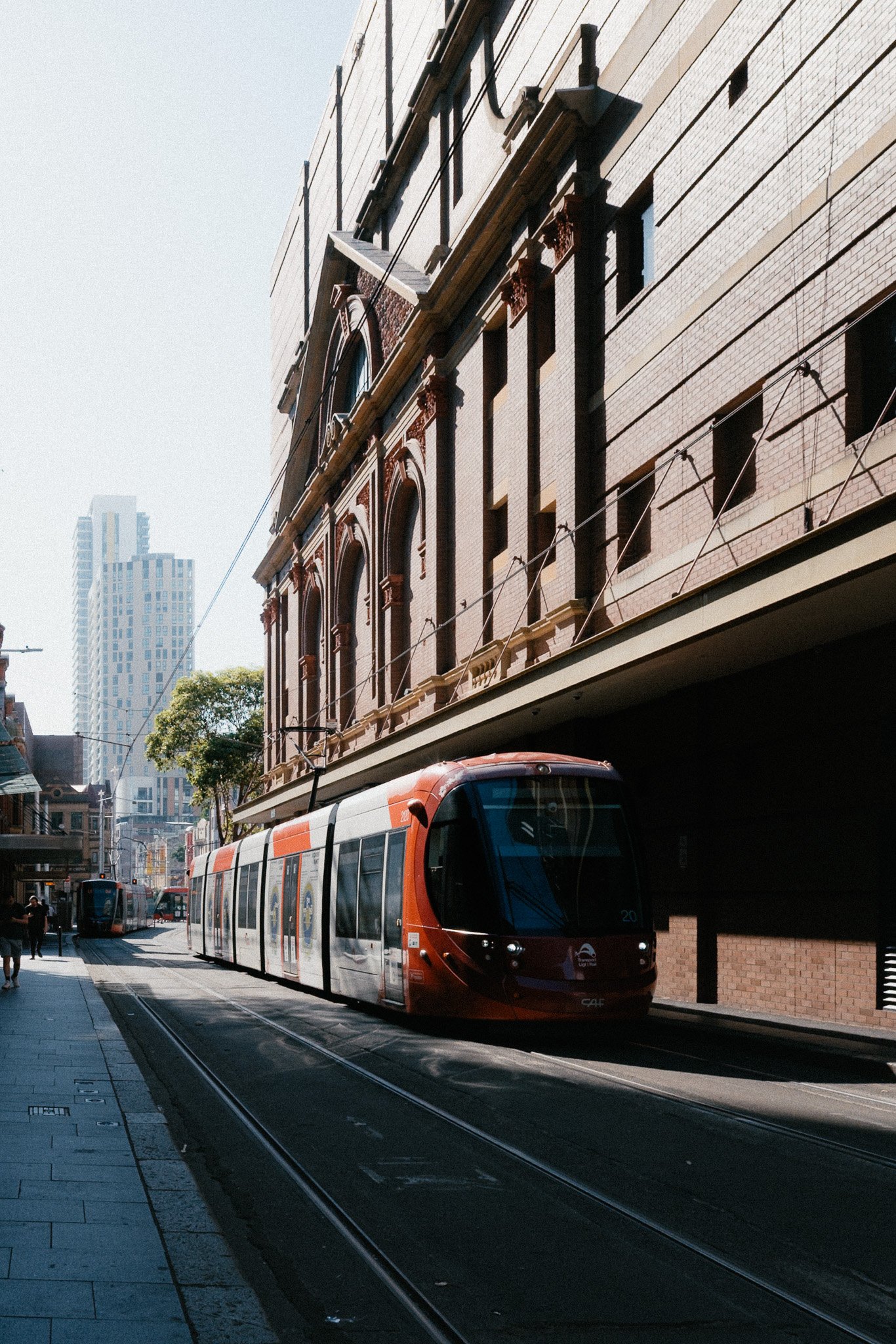
I made a free preset called Sydney Chrome. It's my version of that honest, documentary Classic Chrome feeling, the one I keep chasing shooting around home. It’s that Nostalgic feeling from my childhood when I would visit Syd City.
It's free on purpose. It isn't the destination. It's the door. Load it onto one of your photos, see what it does, then start pushing sliders and watch what moves. That's the whole lesson. The preset just gets you in the room.