Chaos to Calm
Conservation copyA$5 release
Do not discard
Two looks, pulled off the streets of Japan. Built on the road, based on how the places made me feel.
No over-cooked HDR, no fake grain cranked to eleven. Just colour that respects the place.
Neon & Grey
Cinestill 800TCinestill 800T, shot at street level. Warm neon glow, teal sliding into the shadows, that red halation bleeding around every sign. Reach for it after dark, when the city is lit by its own signage and you want the photo to feel like the place felt.
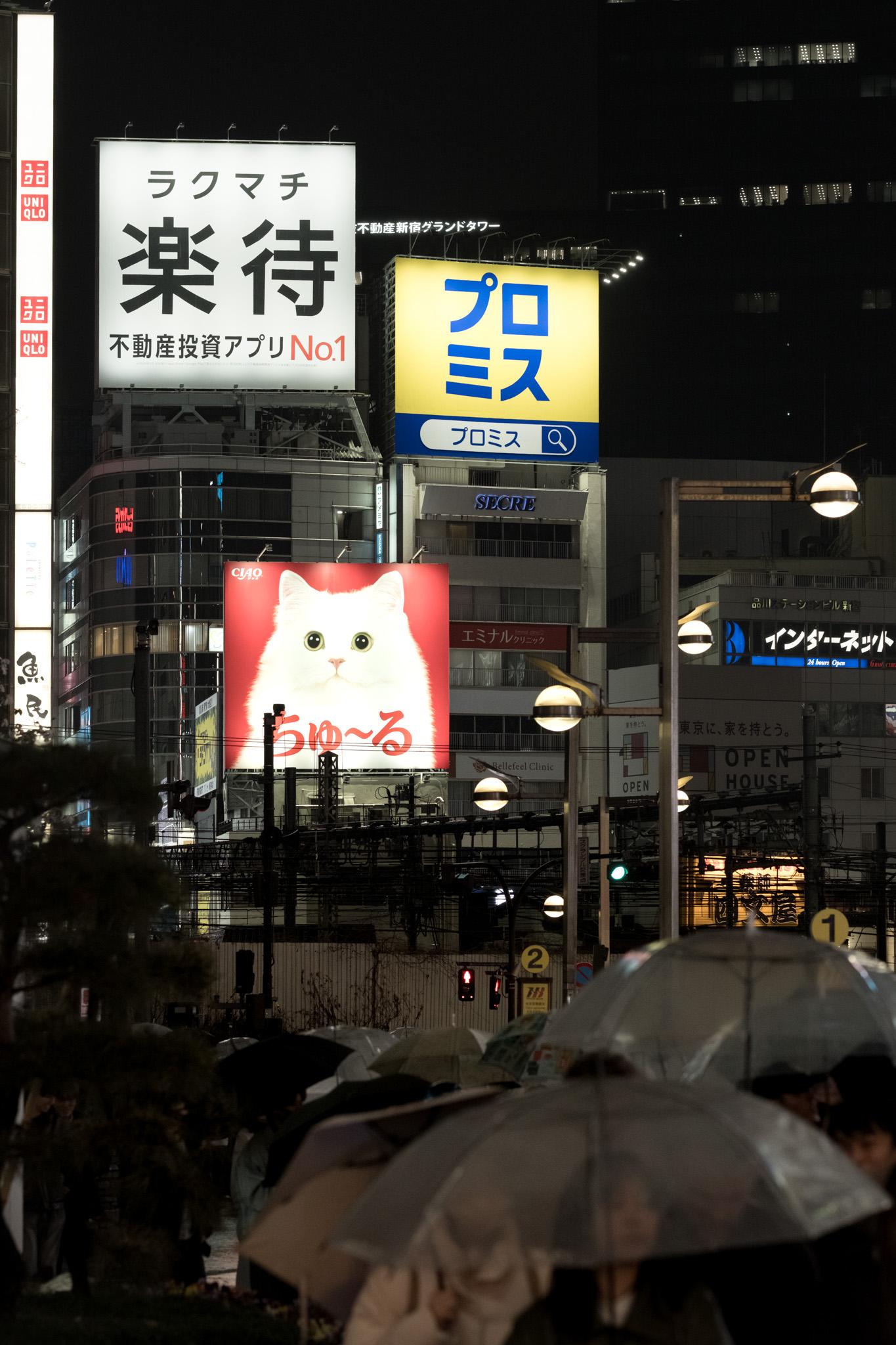
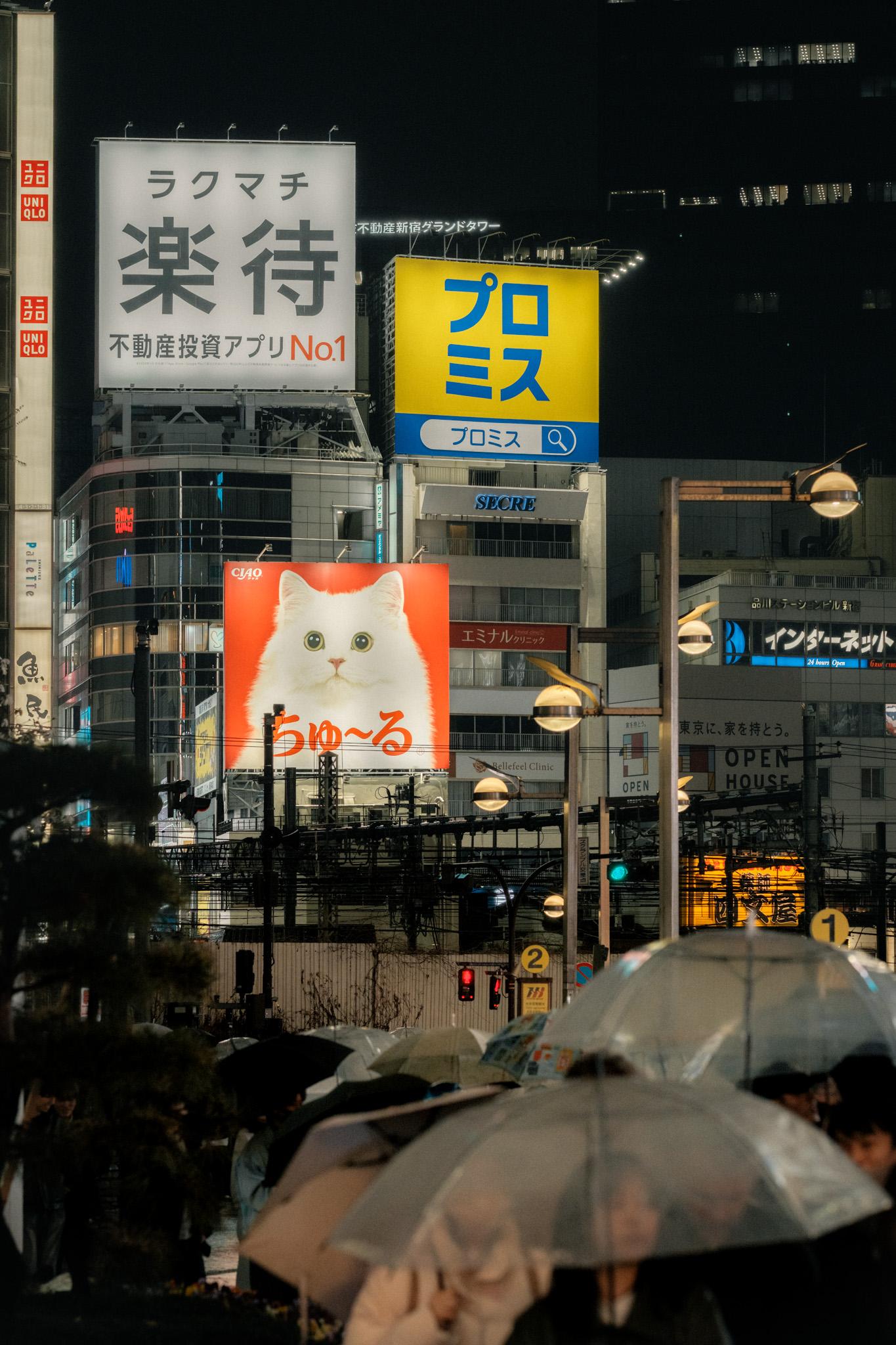
Shinjuku, after dark. Straight off the camera, then the grade.
Warm Afternoon
Warm / Kodak GoldSoft golden highlights, cool shadows, contrast kept gentle. Named for the second time I went to Kamakura, the day the light finally showed up. For late afternoons, the slow shots where you have time to wait for the sun.
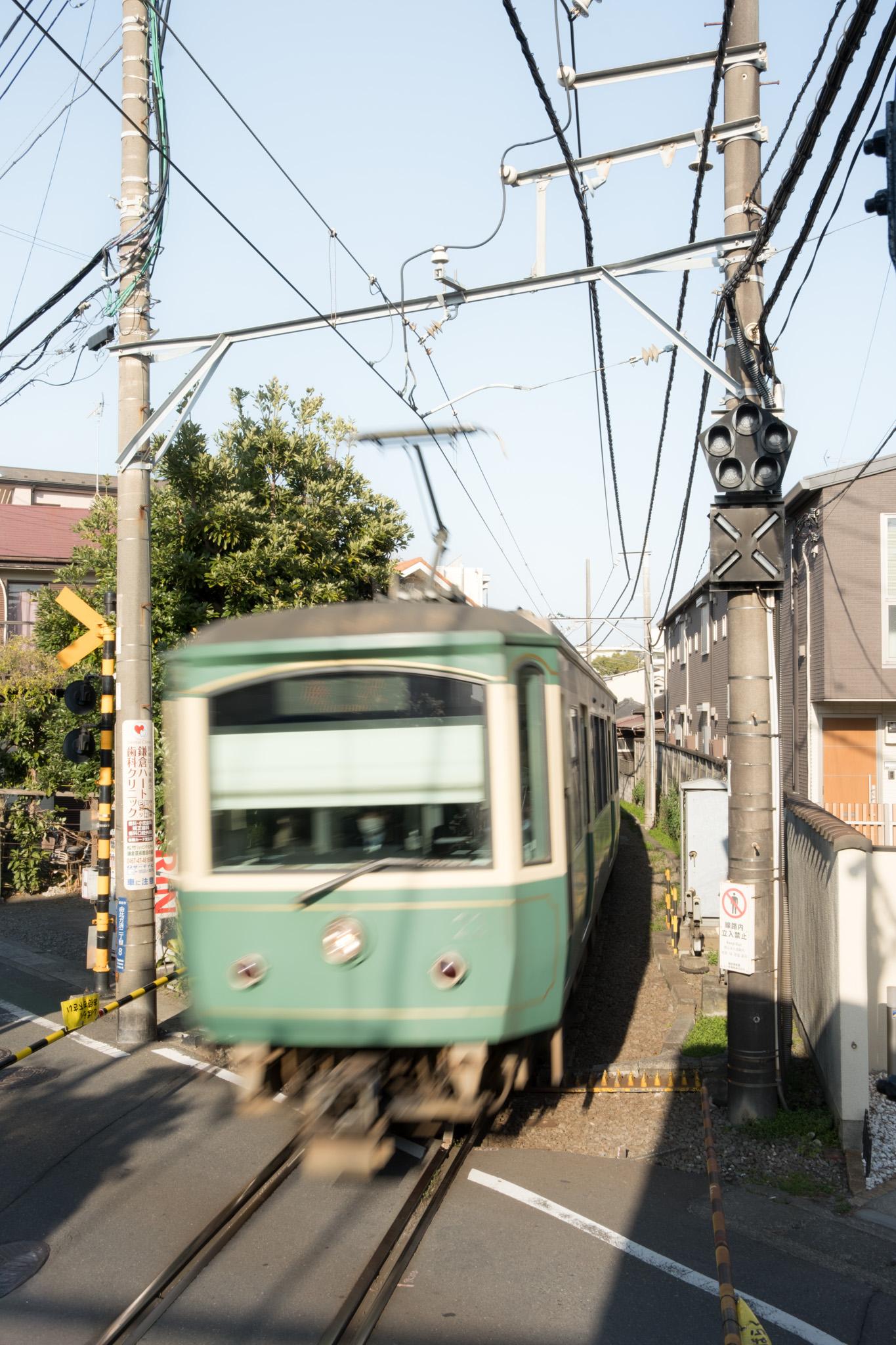
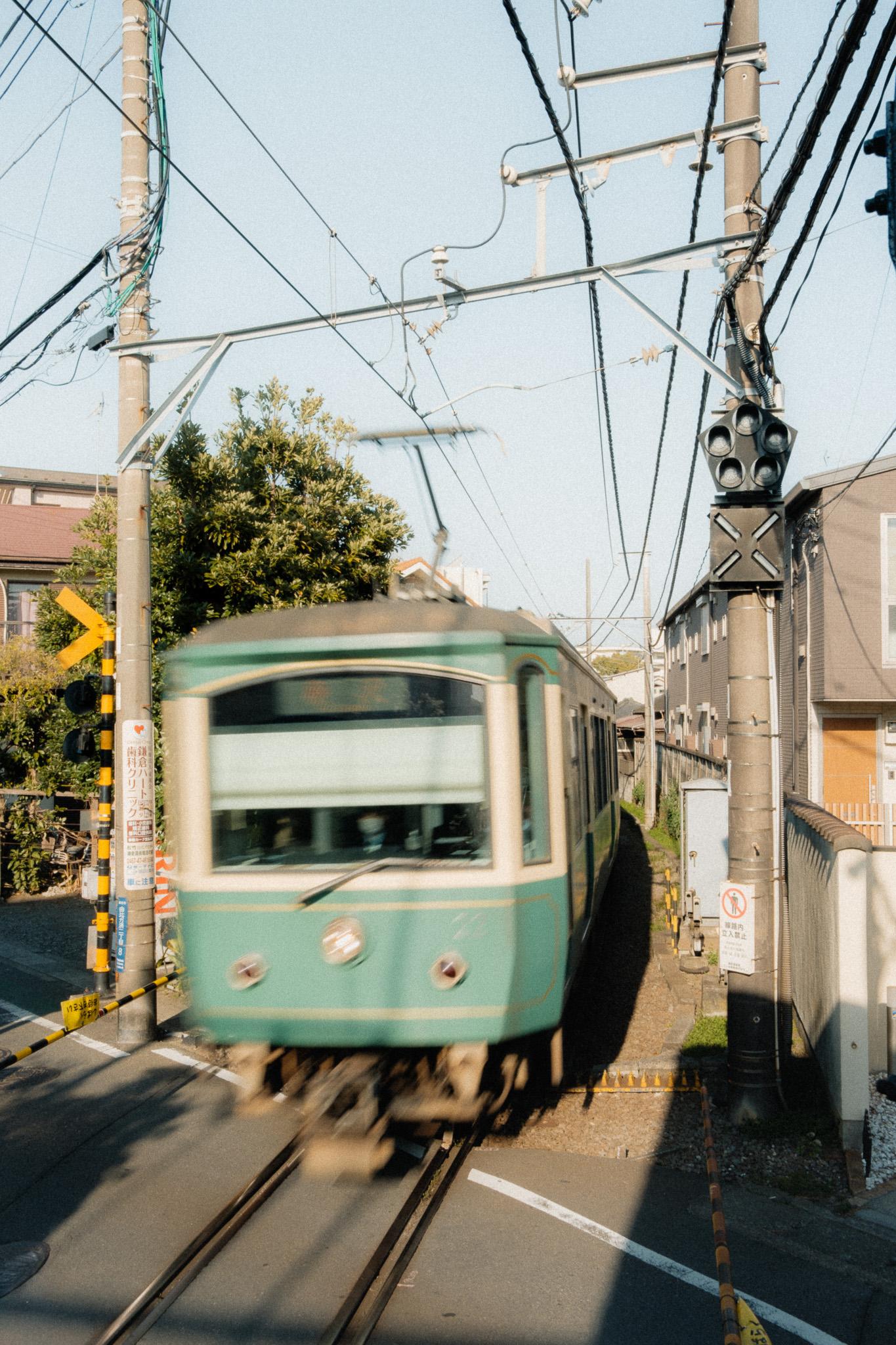
Kamakura, the Enoden crossing.
Chaos to Calm
A$5+ AUD · pay what you wantThe two looks I actually reach for, in one pack. Neon & Grey for the nights, Warm Afternoon for the slow days. These are a starting point, not a one-tap miracle. You will still nudge them to fit your shot, and that is kind of the point. Pay what you want, from five bucks. You decide what they are worth.
Works with Lightroom Classic 7.3+, Lightroom CC desktop, and Lightroom Mobile. Built for RAW, fine on any camera brand. Not one-click magic: set your exposure and white balance first, then drop the look on top.
I am a street and travel photographer based in Sydney. I shoot Fuji mostly, Sony occasionally, a Ricoh in the pocket, sometimes just the phone. These two looks came out of three weeks in Japan in 2025, then got refined back home at the desk. They are a starting point. The whole idea is that you make them yours.
Will this work with my camera and software?
Yeah, most likely. The XMP files run in Lightroom Classic, Lightroom desktop, and Lightroom Mobile. They are built for RAW and they work on any brand, so you do not need to shoot Fuji to use them. I have run them on Canon, Sony and Fuji files. JPEGs work too, the colour just shifts a bit differently.
Does it work on Lightroom Mobile?
Yep. The .xmp files import straight into the Lightroom Mobile app. And if you use the cloud version of Lightroom, presets you add on desktop sync to your phone on their own. Same files, all your devices.
What if it looks off on my photos?
Set your exposure and white balance first, then apply the preset. That fixes most of it. Each look comes with a note on where to start. And if a file turns up broken or missing on delivery, tell me and I will sort it.
Questions? info.ericescapes@gmail.com ↗